
Buying a Kindle may sound simple: you walk into the store, pick a pretty one, and done. Wrong! Choosing the perfect Kindle is almost an art (or an odyssey, depending on your patience). There are details that, if you overlook them, could turn your brand-new device into an expensive paperweight. So take a deep breath and take notes, because here I’ll tell you EVERYTHING you should consider so you don’t end up regretting your purchase.
1. Format compatibility: what nobody tells you
Not all ebook formats get along with all Kindles. Even though they support PDF, the experience isn’t always the best: texts that don’t adjust, difficulty navigating… In contrast, native formats like MOBI or AZW are their comfort zone. If you love PDFs, think twice or get ready to convert files (spoiler: it’s not always fast or fun).
Key fact: Some recent Kindles support EPUB, but they convert it to Amazon’s own format. Check carefully before buying if that’s vital for you.
2. Size and weight: don’t let your Kindle dislocate your shoulder
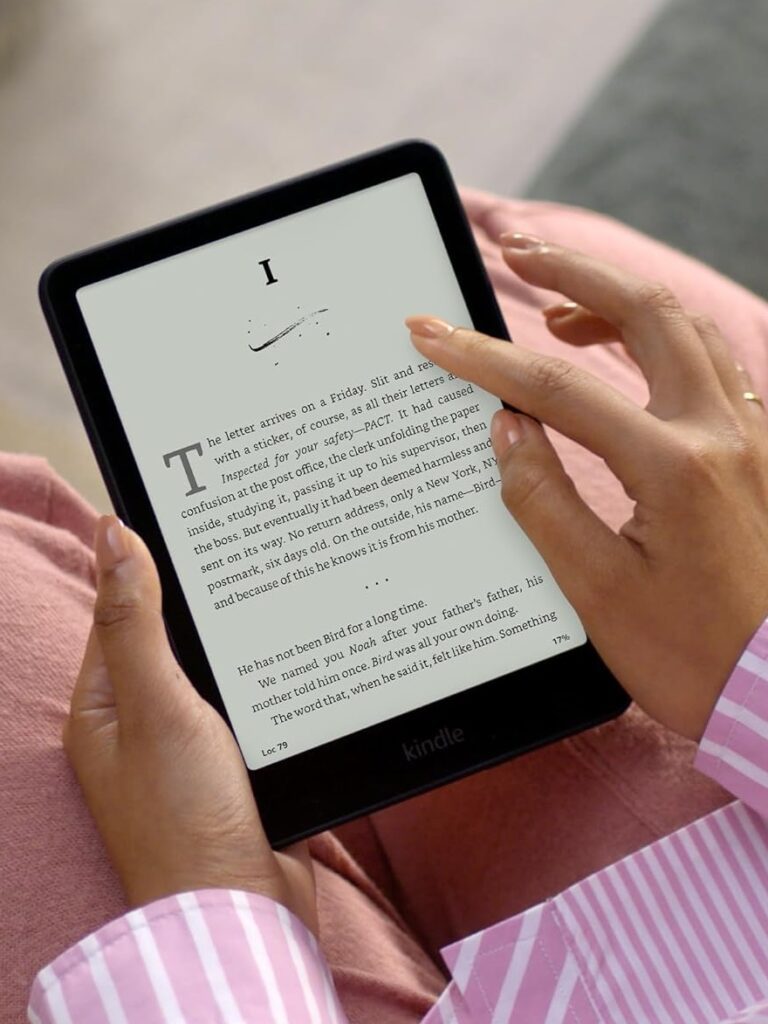
Are you one of those who reads lying in bed? Then watch out for the weight. Models like the Kindle Oasis have more features, but they also weigh a bit more. If you’re looking for something you barely feel in your hand, a basic model or the Kindle Paperwhite are better options.
Golden tip: Size also matters if you use protective cases. Not all of them are light, and a heavy case can turn your Kindle into a mini dumbbell.
3. Water resistance: because accidents happen
Reading by the pool, at the beach or in the bathtub is wonderful… until a splash ruins your Kindle. The Paperwhite and Oasis models are water resistant (IPX8), which means they withstand brief submersions. If you’re clumsy (like me) or enjoy reading among bubbles, this is a must.
Warning: Water resistant is not the same as indestructible. Don’t push your luck by dunking it in mojitos or coffee with milk.
4. Storage: how many books do you really need?
Most users don’t even fill 8 GB of memory. Why? Because ebooks weigh very little. But if you’re one of those who loves downloading thousands of titles “just in case” or likes to keep audiobooks (which do take up space), go for a 32 GB model.
Note: Kindle Unlimited and Amazon Cloud let you store your books in the cloud, so not everything has to be on the device.
5. Lighting: not all LEDs are created equal
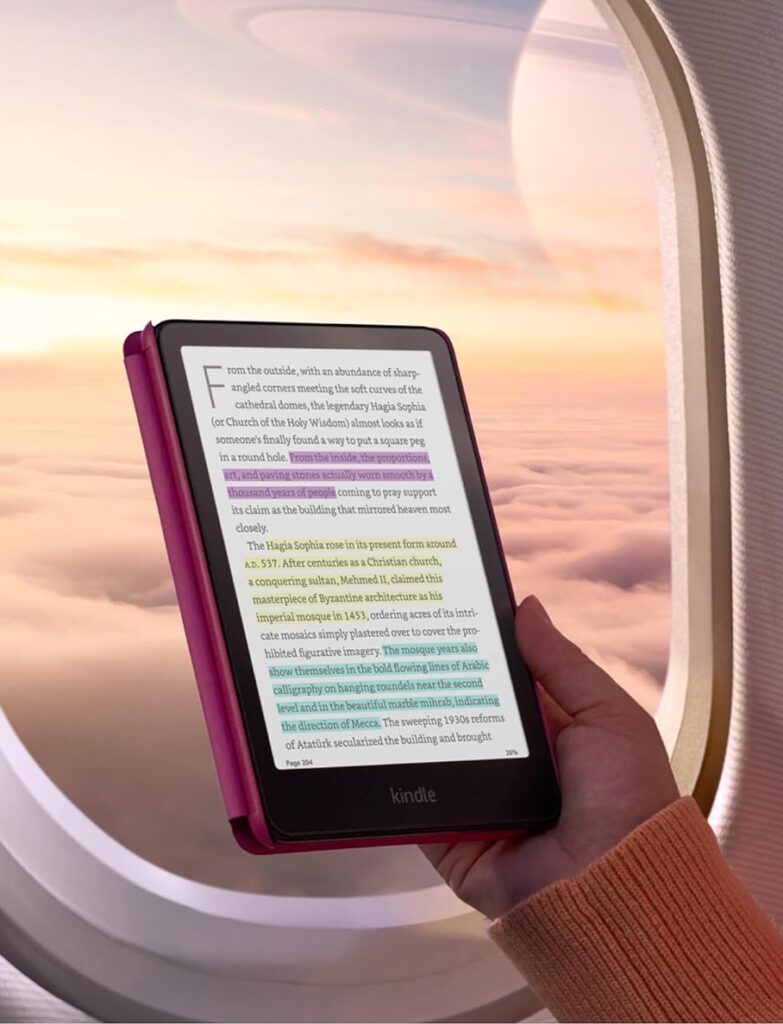
Some models, like the basic Kindle, have adjustable front lighting, ideal for reading in the dark without bothering anyone. But if you read a lot at night, models with adjustable warm light (Paperwhite or Oasis) offer a more comfortable experience for your eyes.
Pro tip: If you have trouble with insomnia, consider a model with warm light. You’ll avoid eye strain and sleep better.
6. Battery life: don’t let it leave you stranded
Although all Kindles promise weeks of battery life, that depends on how you use them. Reading with brightness at maximum and wifi always on uses more energy. If you plan to travel or be far from outlets, choose models with greater capacity.
Hack: Turn off the wifi while you read and set the brightness to the lowest possible level. Your battery will last much longer.
7. Extra features: do you really need them?
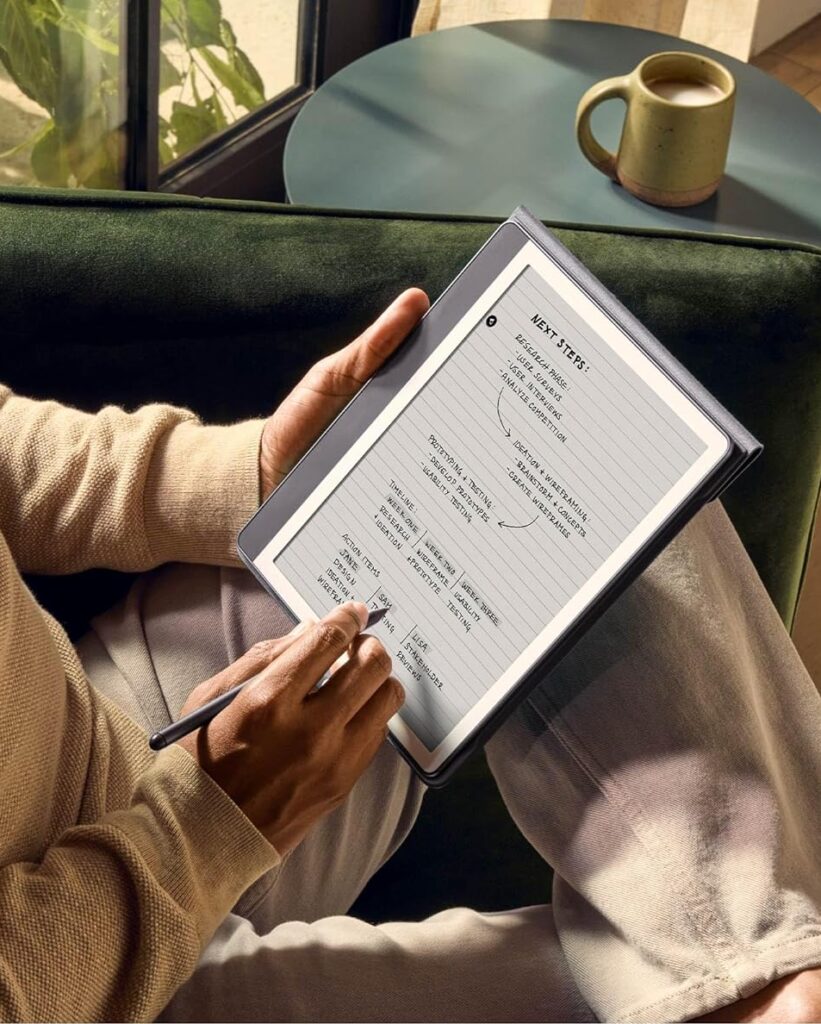
The more advanced models, like the Oasis, come with physical buttons to turn pages and a bigger screen. But is it worth paying extra if you just want to read without frills? Make a list of what you really need before getting excited about the new features.
Heads up: Some Fire Tablet models are more affordable and offer extra features like apps and web browsing, but they don’t have the same distraction-free reading experience as classic Kindles.
8. Reviews: learn from other people’s mistakes
Before clicking “Buy”, read the reviews. Look for negative reviews and pay attention to patterns: battery that doesn’t last?, screen that scratches easily? That way you’ll avoid unpleasant surprises.
Trick: Pay attention to Amazon’s replies to the reviews. If you see they solve problems quickly, that’s a good sign.
9. Budget: cheap can end up expensive
Although there are models for every budget, consider this: a basic Kindle is great to start with, but if you plan to use it intensively, a more advanced model can be a better long-term investment.
Tip: Wait for key dates like Prime Day, Black Friday or World Book Day to grab deals.
10. Warranty and support: don’t let them leave you on your own
A Kindle is an investment, and as such, it should come with good support. Check the warranty and return policies before buying. Amazon usually offers excellent customer service, but it never hurts to confirm.
Kindle for reading incredible stories
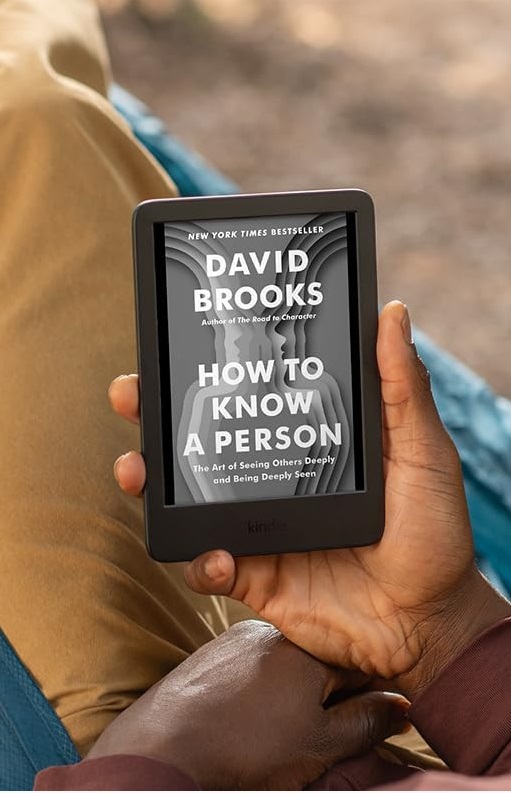
Choosing a Kindle isn’t just buying an ebook reader
It’s finding your new companion for literary adventures. Take your time, do your research and think about how you’ll use it. Because yes, it’s exciting to receive that package with Amazon’s smile, but the last thing you want is to end up leaving your Kindle forgotten in a drawer.
Now, tell me: do you already know which Kindle is ideal for you?