
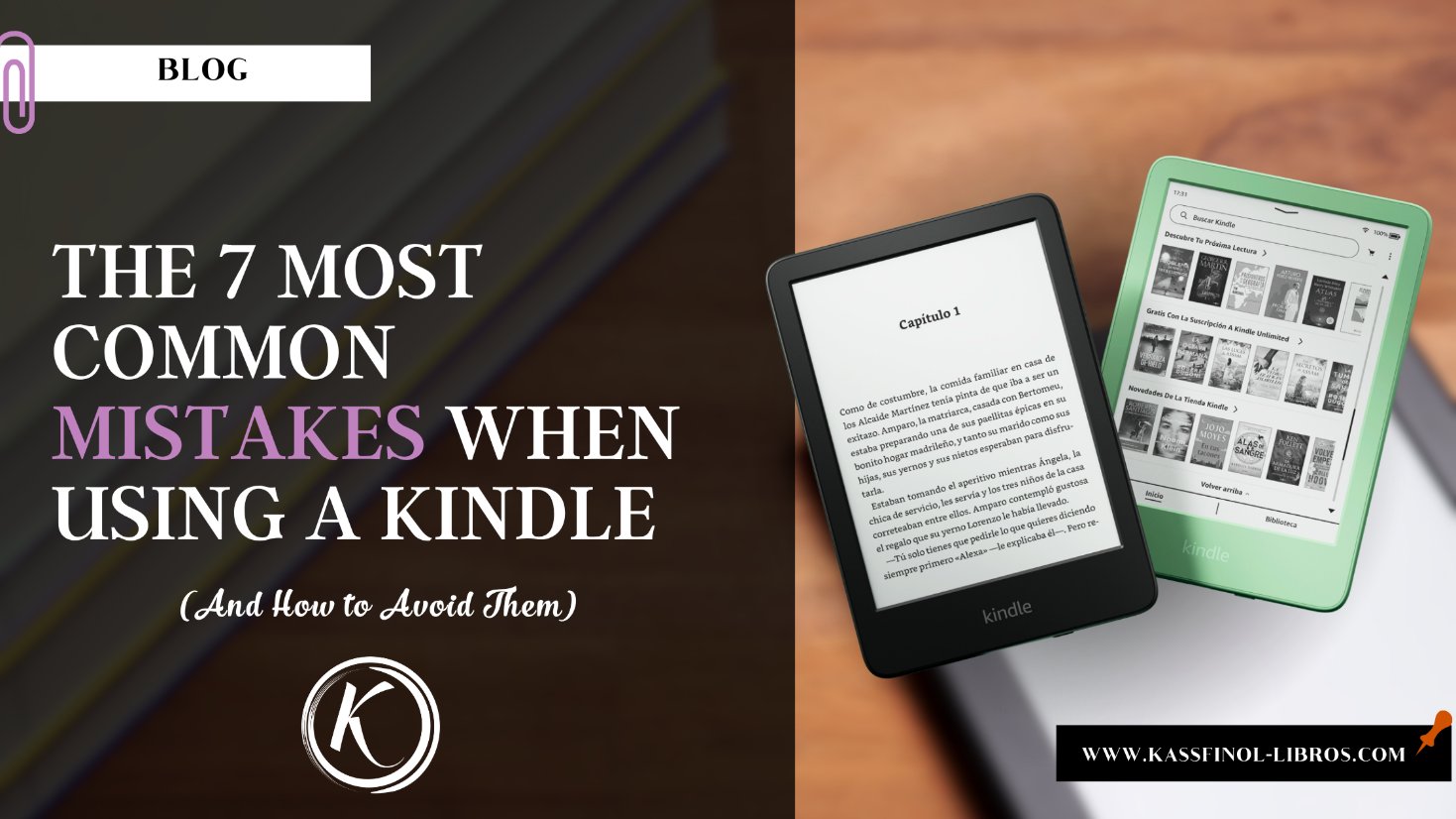
Buying a Kindle is like joining a gym in January: you feel excited, motivated and ready to start a new routine. But if you have no idea how to use it properly, that initial spark can fade fast. So, before you end up hating your shiny new e-reader, here is a list of the most common mistakes new users make (and how to avoid them like a true pro).
1. Ignoring the initial setup (or leaving it all up to fate)
Yes, we know you want to start reading as soon as possible, but skipping the initial setup is like building a house without a plan. Fatal mistake! Take a few minutes to:
- Adjust the brightness: Avoid going blind in the dark or feeling like the sun is attacking you. Set the lighting to your liking from the start.
- Sync your Amazon account: This is key so you can access your purchased books, Kindle Unlimited and any PDF you want to send.
- Select your language and time zone: Although it seems obvious, not all models do it automatically, and it is better not to get confused when you see your Kindle talking to you in French.
- Download the latest software update: Many features and security patches depend on your Kindle being up to date. Don’t skip this step.
2. Not taking care of the battery as it deserves
If you treat your Kindle’s battery like your phone’s, you are doing it wrong. E-readers have their own rules of the game.
- Watch out for overcharging: Don’t leave your Kindle plugged in all night. Although it won’t explode, this habit can shorten the battery’s lifespan over time.
- Avoid draining it completely: It’s better to charge it when it reaches 20% instead of waiting for it to shut down completely.
- Adjust the Wi-Fi: Turn it off if you don’t need it. Wi-Fi is one of the biggest battery drains and, let’s face it, you don’t need to be connected while you read that historical novel.
- Watch the temperature: No leaving it in the car under the sun or on a freezing table during winter. Your Kindle is delicate and deserves better conditions.
3. Using the wrong format for your books
Many people buy a Kindle thinking they will easily read any file they find out there. Spoiler: that doesn’t always happen.
- The ideal formats: MOBI, AZW and EPUB files (on newer models) are the most compatible. If you try to load an unoptimized PDF, get ready for a disastrous zoom-and-scroll experience.
- Solution for PDFs: Use tools like Calibre to convert them to a Kindle-friendly format or adjust them before transferring them.
- Don’t overuse email delivery: Although Amazon lets you send yourself books by email, keep in mind that sometimes the format can get messed up. Better to convert it and upload it with a USB cable.
4. Underestimating the storage capacity
If you bought the 8 GB model thinking it’s more than enough, but now you’re compulsively downloading your whole Goodreads “Want to Read” list, you’re going to run out of space fast.
- Manage your library: You don’t need to have ALL your books on the device at the same time. Use Amazon’s cloud to store the ones you’re not currently reading.
- Think ahead: If you’re the kind who downloads complete series or loves audiobooks, consider models with more capacity, like the 32 GB one.
5. Overlooking the reading settings
Not all books or all eyes are the same. Many users read with the default settings and miss out on a tailor-made experience.
- Change the font size and type: Explore the options until you find the perfect combination for you. This can make a big difference in visual comfort.
- Turn on dark mode: Ideal for reading at night without disturbing whoever is sleeping next to you.
- Use the dictionary and notes: These tools aren’t just for decoration. They can enrich your reading experience, especially if you’re studying or reading in a different language.
6. Forgetting to protect your Kindle (and your books)
Your Kindle is not invincible. If you treat it like a toy, it will soon end up in the device “hospital”.
- Buy a good case: Not only to protect it from bumps, but also from your own carelessness (like dropping it off the bed or tossing it into your backpack without thinking).

- Back up: Although your books are in Amazon’s cloud, it’s always good to have an extra copy of your files in case something goes wrong. I think this will no longer be possible (update as of 02/21/2025) since they have announced that you will not be able to download your books.
7. Not exploring all the features
Your Kindle is more than just a reader. Many people use it at 50% of its potential because they don’t even take the time to explore all its features.
- Highlights and notes: A gem for students, writers and anyone who loves marking important passages.
- Sync with other devices: You can keep reading on your phone or tablet with the Kindle app, picking up right where you left off.
- Search function: Forgot who that secondary character was? Use the search to avoid re-reading entire pages.
You’re ready to succeed with your Kindle!
There is nothing worse than leaving such a useful device gathering dust because you made mistakes that were easy to avoid. Now you have the tools to make the most of it and avoid falling into the mistakes of other beginners.
By the way, here is a special list of Kindle devices I recommend:
Kindle for reading incredible stories


There’s something for every taste ♥ And budget.
So, make room for your physical library, grab your Kindle with confidence and start enjoying the world of ebooks without drama. And if you come across any other trick or tip worth sharing, you know, don’t be selfish: leave your contribution in the comments. I’ll read you in the comments!